Treat a redesign as a working system
A website redesign affects visitors and the team behind the content. It can change how people find information, how staff publish it and how forms or integrations behave. A better-looking homepage is one part of the work.
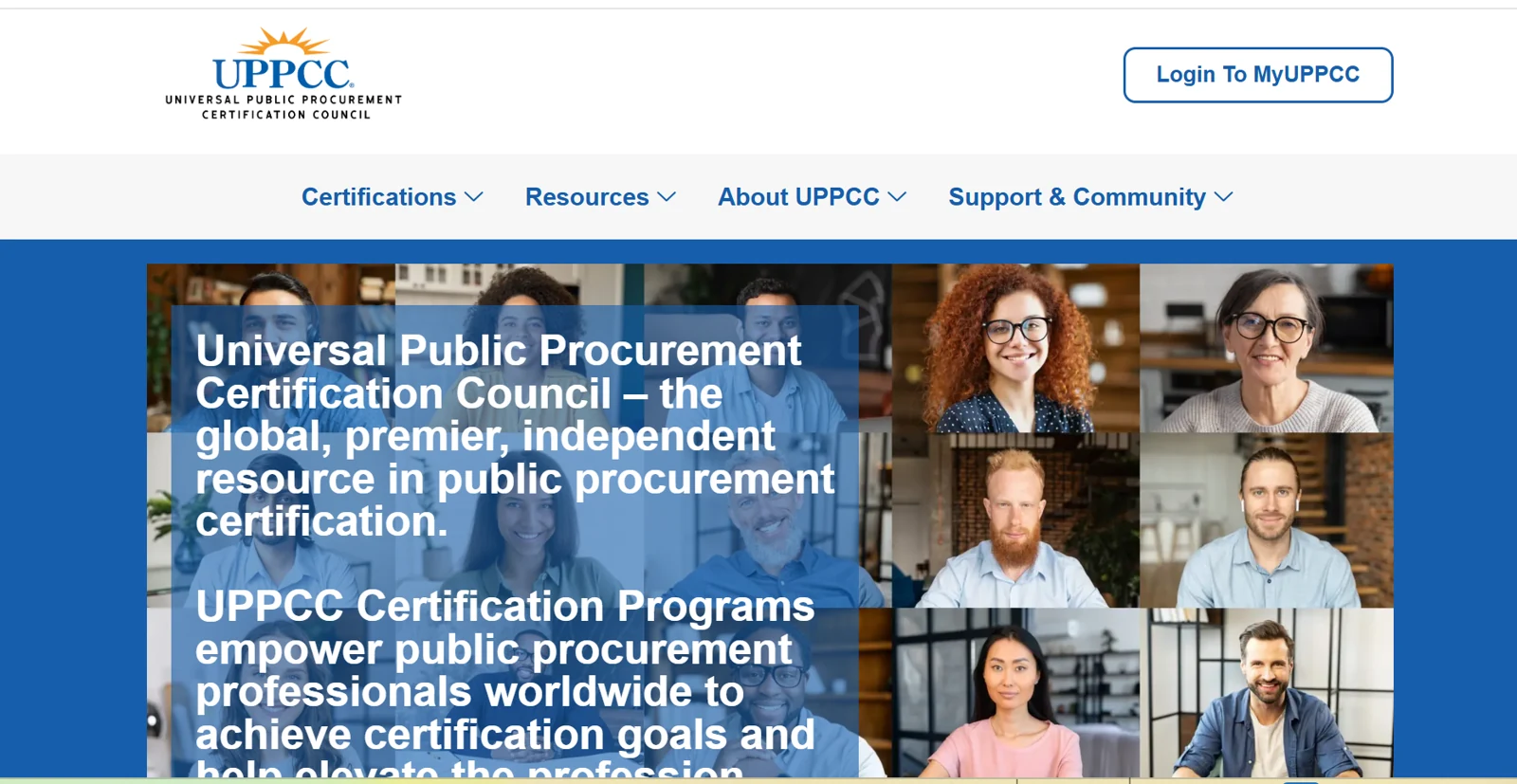
The UPPCC project in this portfolio involved a custom design and a move from Wix to WordPress. The implementation connected content management with certification-related workflows and PHP functionality. That context matters: the platform decision served a workflow, not just a visual preference.
Map the content and responsibilities
List the pages and content types that need to move. Identify which material is current, which can be retired and who is responsible for approving each area. Keep an inventory of important URLs so redirect decisions can be made deliberately.
Ask the people editing the site what is difficult today. A page layout that is attractive but awkward to maintain can create a new operational problem. Make publishing responsibilities and access levels part of the requirements.
- Inventory important pages, URLs, forms and files.
- Identify content owners and approval responsibilities.
- Agree on content types, templates and editor access.
Design around tasks and content
Use real content early in the design. Long page titles, detailed service descriptions and repeated documents expose problems that short sample text can hide. Review the mobile experience as a complete journey, including menus, forms and feedback messages.
WordPress functionality should follow those requirements. Choose custom development or extensions based on the task, support expectations and integration needs. Keep the editing experience understandable for the team that will operate it.
Test the move before launch
Walk through forms, search, navigation, access rules and integrations on the new implementation. Check that redirects go to the intended destinations and that key pages retain useful titles and descriptions. Review keyboard navigation and form labels alongside visual layout.
A handover should include account access, publishing instructions, backup arrangements and responsibility for future maintenance. The goal is a website that remains useful after the launch meeting ends.
- Test visitor tasks and staff editing tasks.
- Review redirects, metadata and essential content.
- Confirm backups, ownership, training and post-launch support.
Apply this thinking to your project.
Tell me what you need to build or improve.
Start a ProjectHiring? View my résumé